How do I delete my Runware workspace?
Last updated: May 8, 2026
You may want to delete a Runware workspace if you have multiple organizations and no longer need one of them. This could happen when you have created duplicate accounts or consolidated your work into a single organization.
Answer
You can delete your own workspace directly from the Runware interface. Here's how:
Click on your initials in the top-right corner of the screen
Switch to the organization/workspace you want to delete if you're not currently in it
Navigate to the Workspace tab
Click Delete Workspace

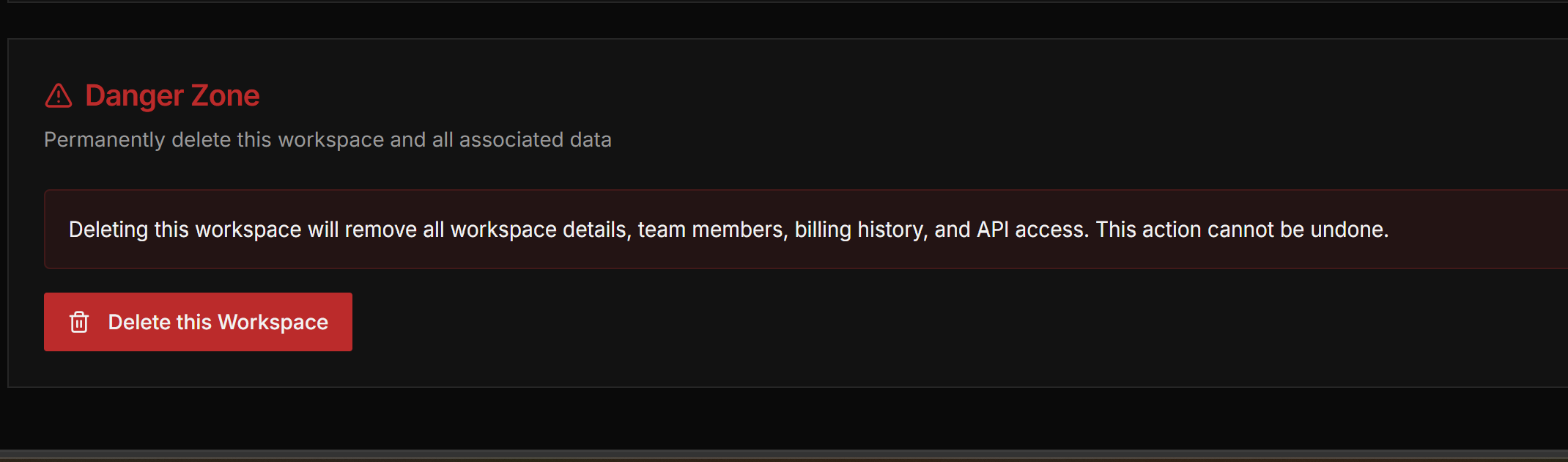
Important: Deleting a workspace is permanent and will remove all associated data. If you have credits in the workspace you want to delete, consider transferring them to another organization first or contact Runware Support for assistance with credit transfers.
If you're unable to delete the workspace yourself, you can contact Runware Support for assistance.